MongoRescue

MongoDB backups and restores that stream, verify and encrypt.
A single Go binary with a built-in web dashboard, Point-in-Time Recovery (PITR), and disaster recovery.



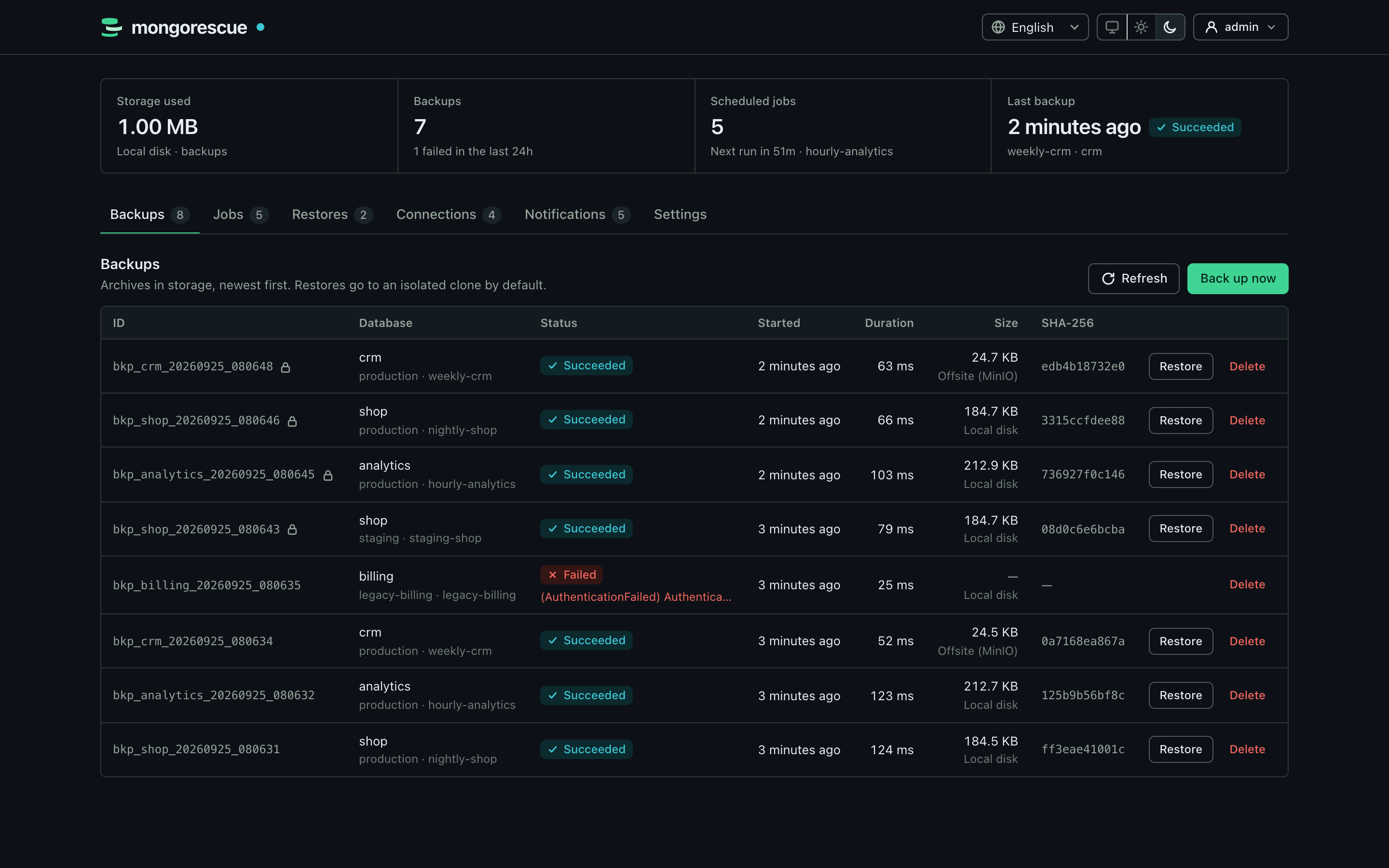
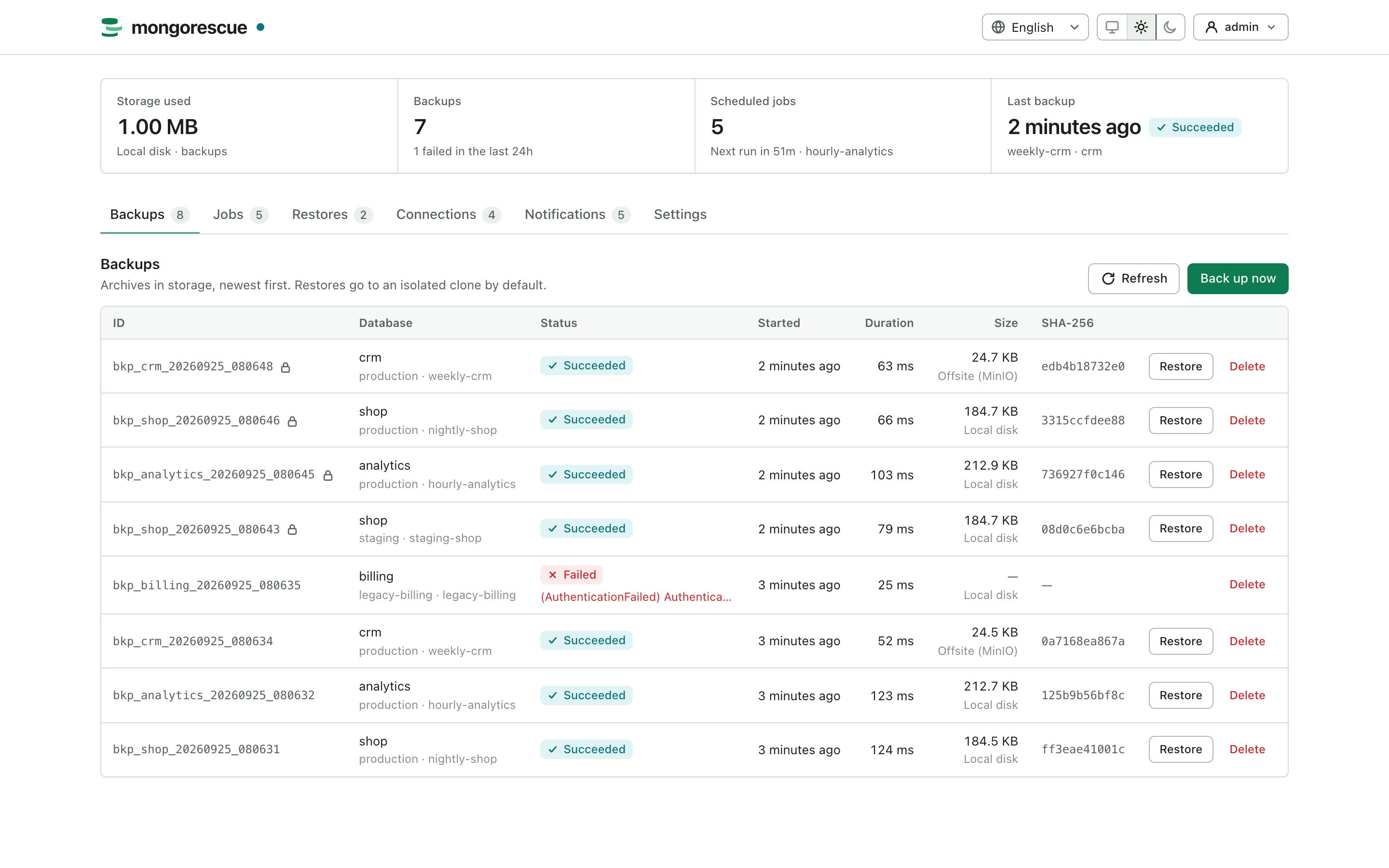
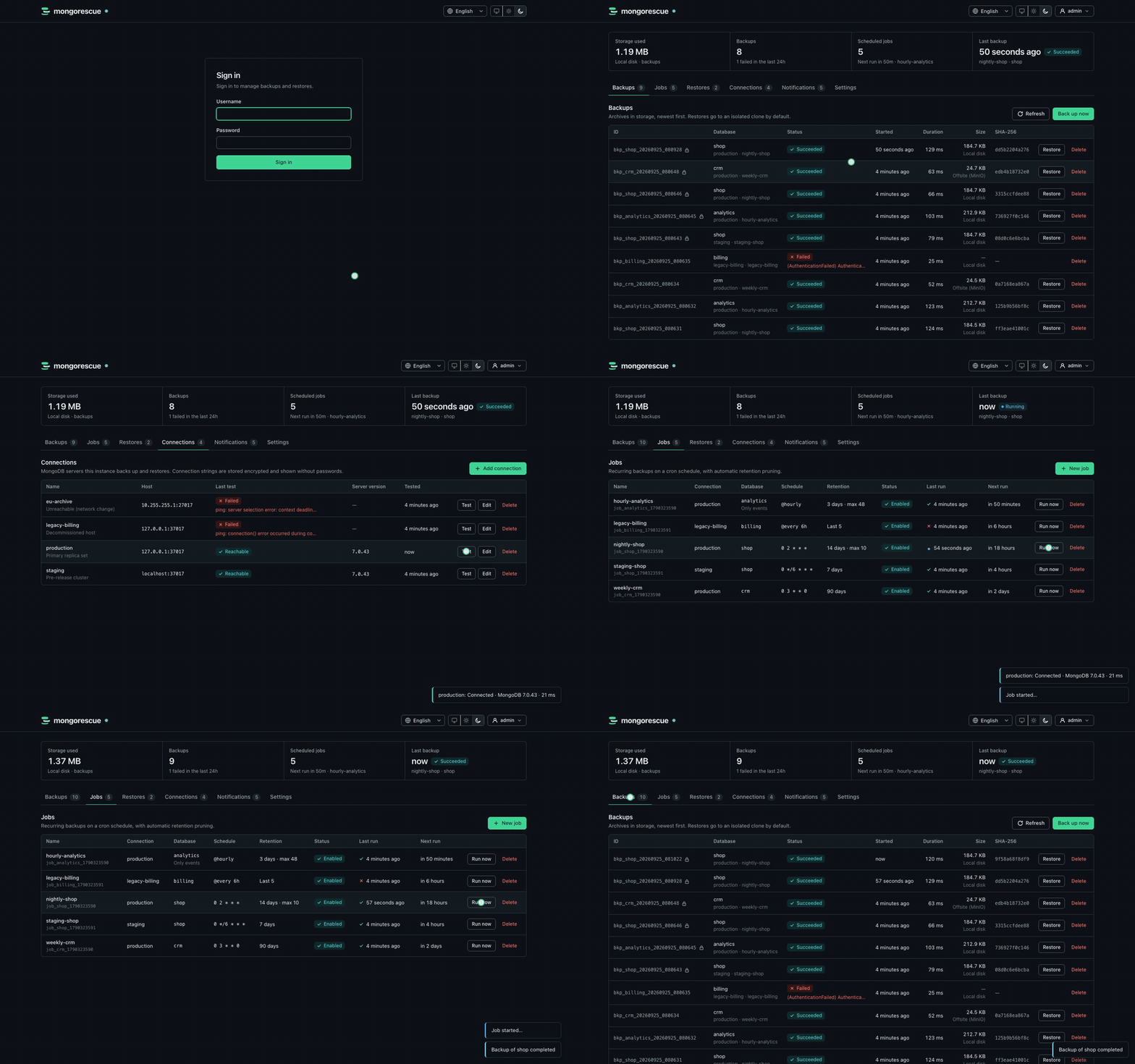
More screenshots
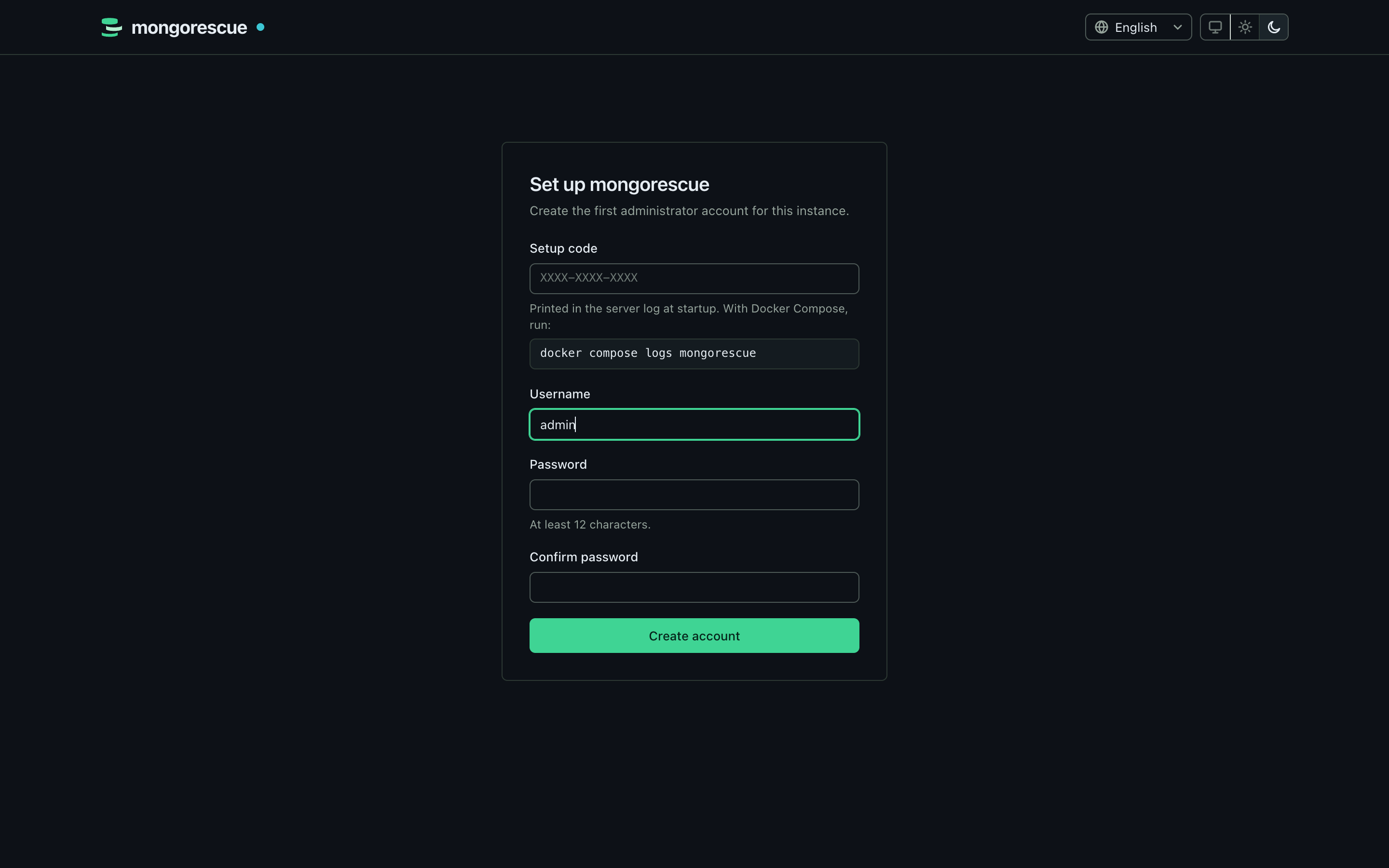 |
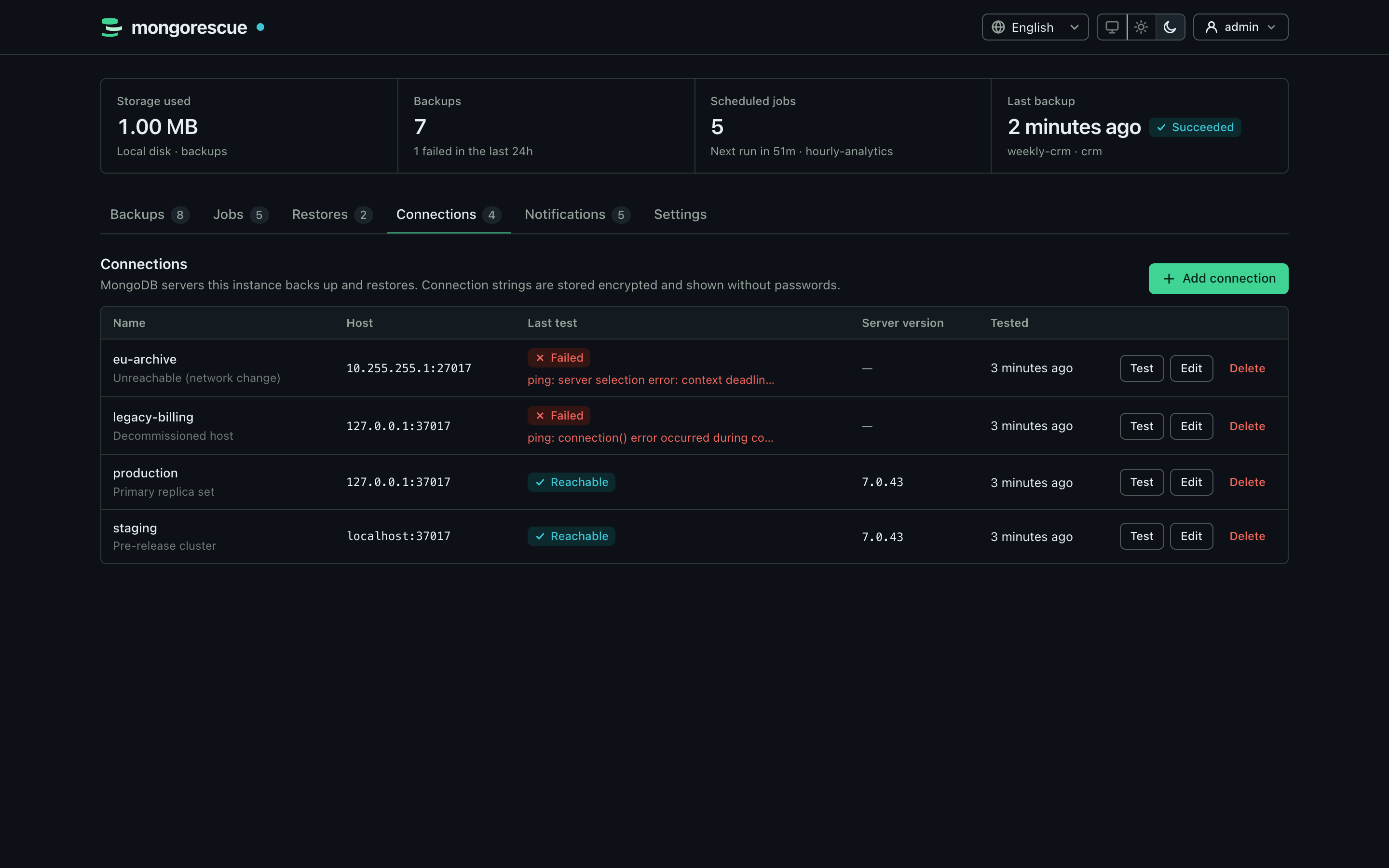 |
| First-run setup | MongoDB connections |
 |
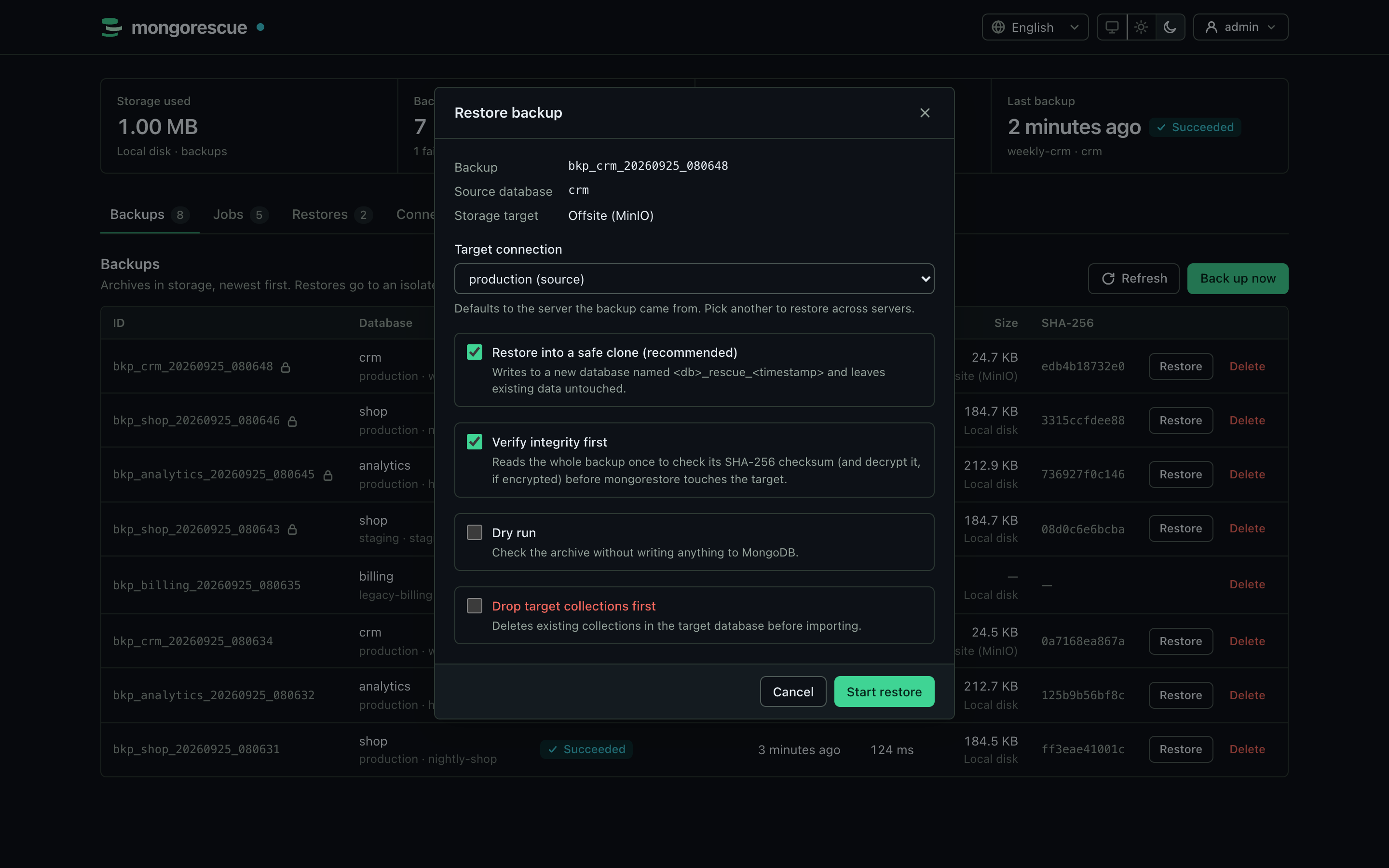 |
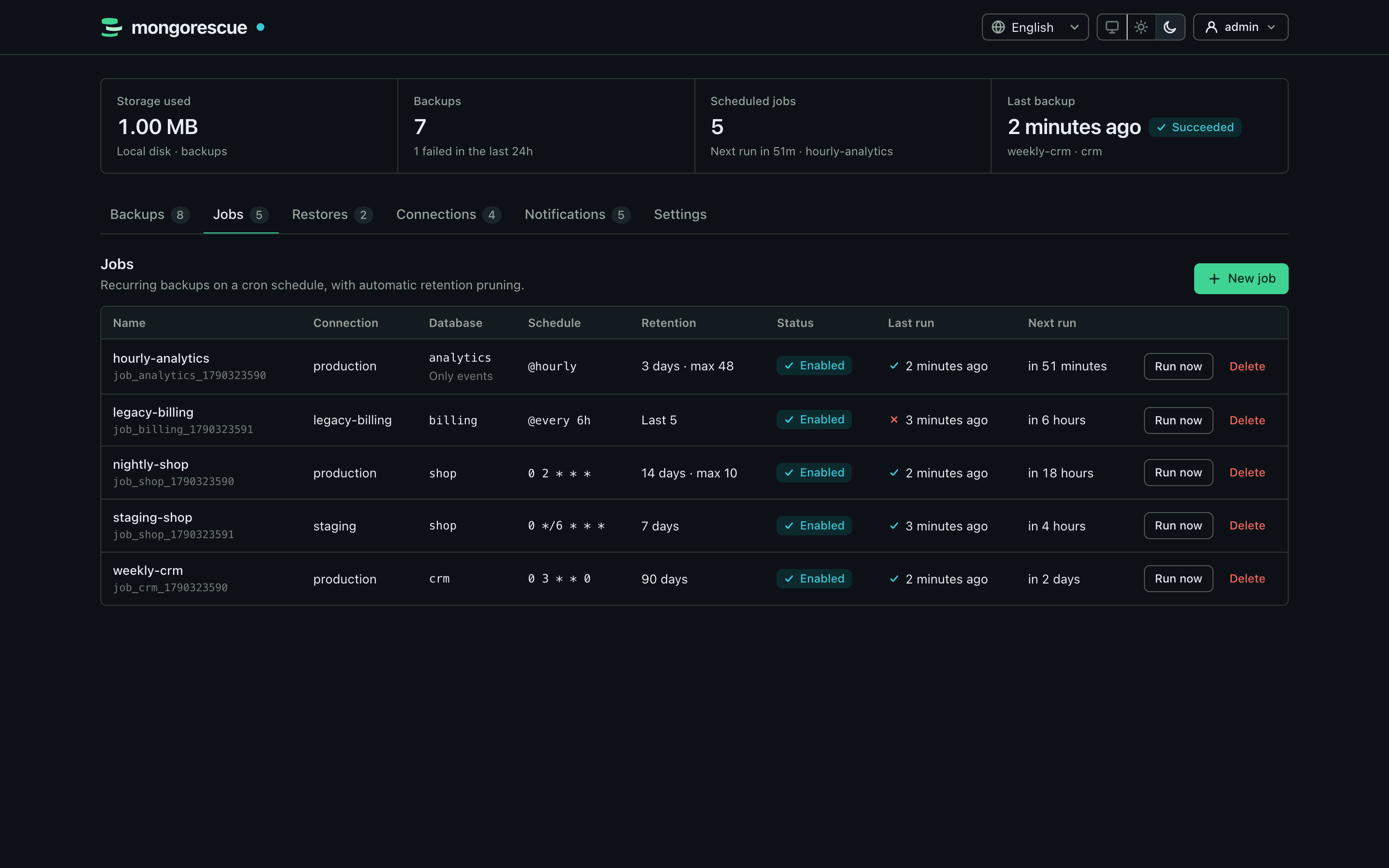
| Scheduled jobs | Restore into a safe clone |
 |
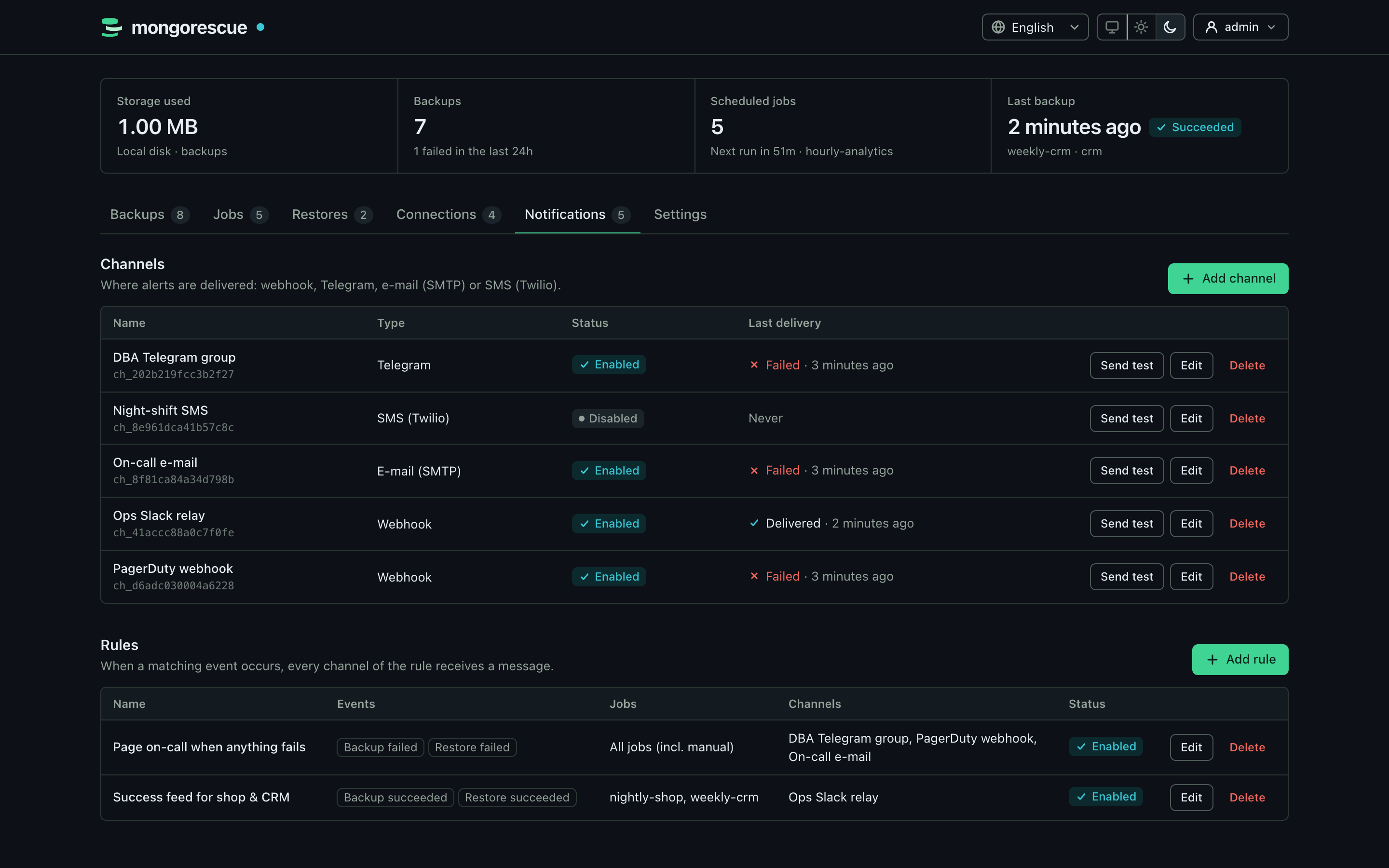 |
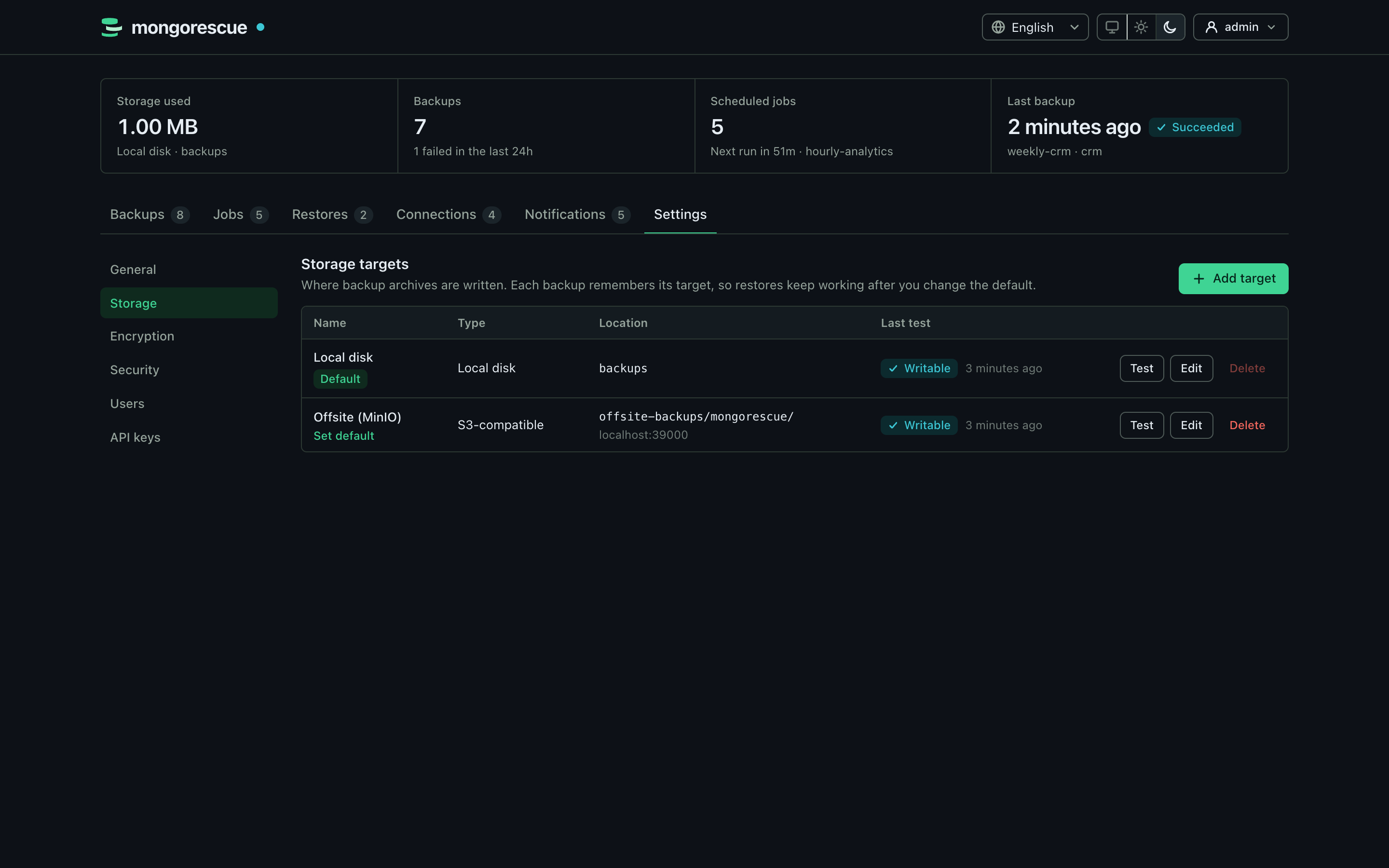
| Storage targets | Notifications |
 |
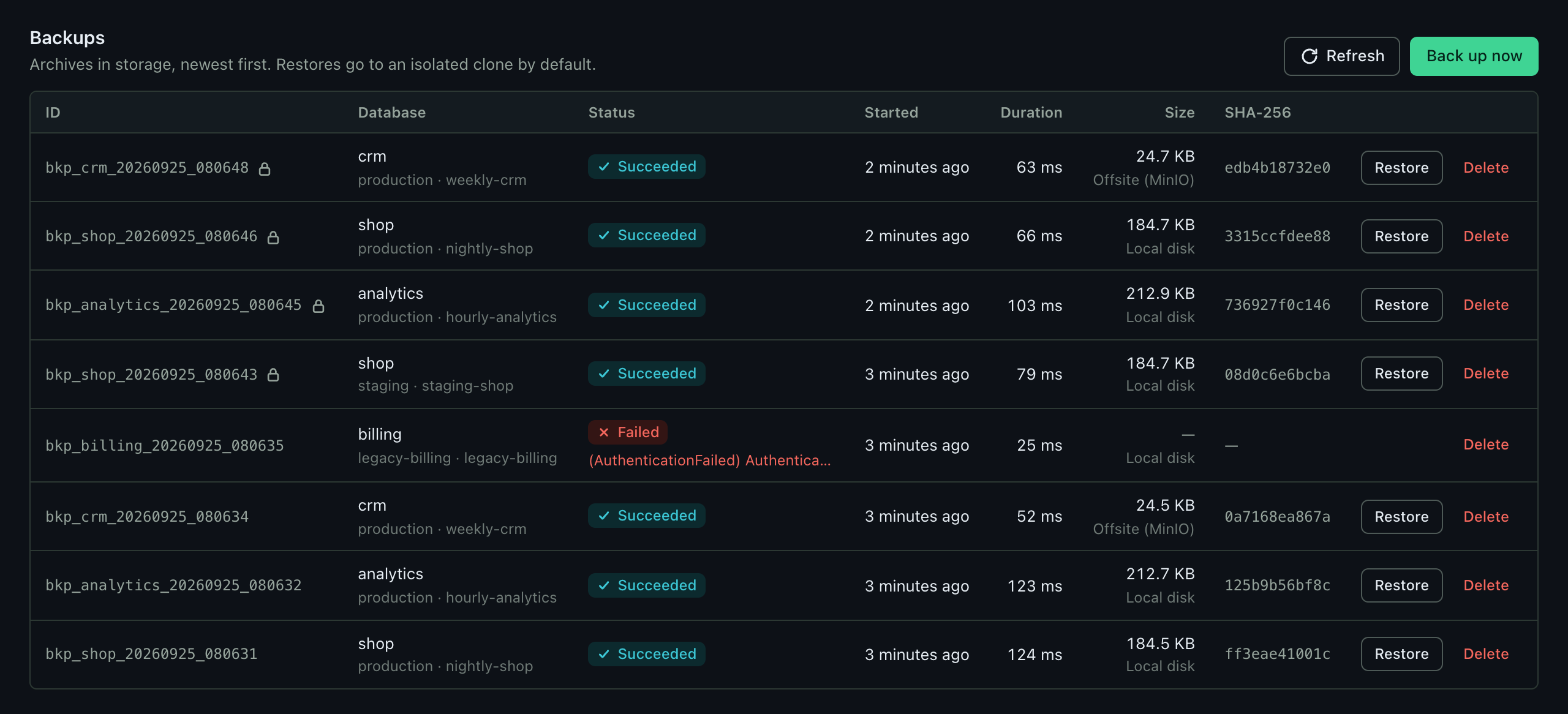 |
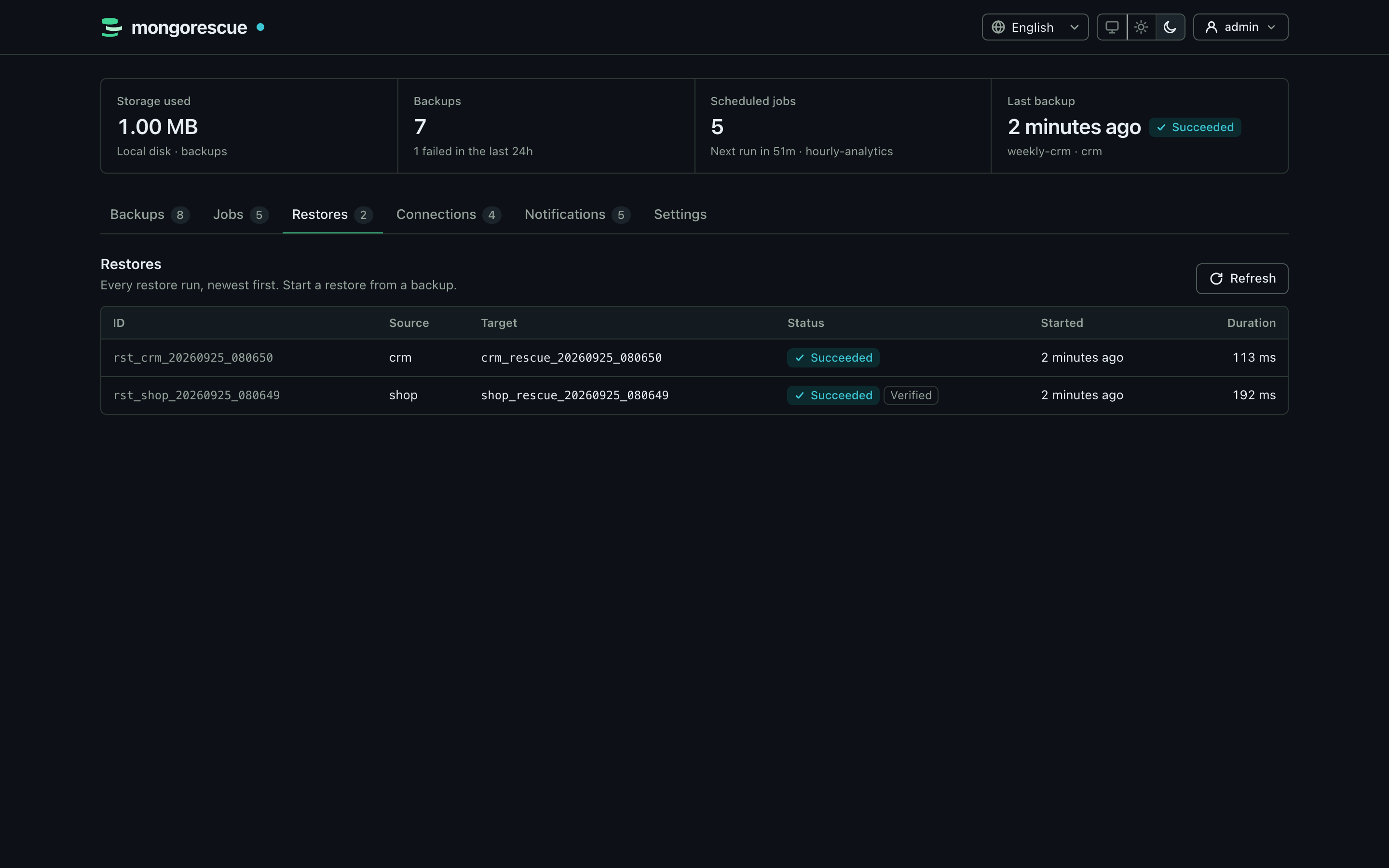
| Restore history | Backups |
MongoRescue runs mongodump on a schedule, streams the archive to local disk or any S3-compatible bucket, and brings it back with mongorestore when you need it. The dump is piped straight through, so memory use stays flat no matter how large the database is.
Restores go into a separate copy of the database (<db>_rescue_<timestamp>_<id>) unless you explicitly ask to overwrite the original. Nothing touches production by accident.
Key Features
- Multi-Database & Multi-Server Management: Manage multiple MongoDB servers from one instance. Test connections, preview databases, filter collections, and restore into separate clusters.
- Point-in-Time Recovery (PITR): Continuously capture MongoDB oplog slices and restore your replica sets to any exact millisecond in the past.
- True Streaming Architecture: Backups and restores stream directly via Unix pipes — no huge local temporary files or RAM spikes.
- Automated Verification & Restore Testing: Every backup is checksummed on upload, periodically swept at rest, and test-restored to temporary databases to ensure provable recovery.
- Built-in S3 Object Lock & Compliance: S3 immutability prevents any archive deletion or modification before retention expires, even by compromised admin credentials.
- Client-Side Age Encryption: Encrypt backups with modern
ageencryption before transmission so your cloud storage provider only holds ciphertext. - Safe-Clone Restores by Default: Restores never overwrite production data unless explicitly confirmed with forced override.
- Modern Web Dashboard & Native Desktop App: Real-time progress, dark/light themes, keyboard navigation (
Ctrl+K), and native Windows/macOS/Linux desktop bundles. - Enterprise SSO & Audit Logging: OpenID Connect (OIDC) integration, role-based access control (RBAC), and tamper-evident hash-chained audit trails.
- AI Ready (Model Context Protocol): Built-in MCP server allows AI coding and DevOps assistants to query backup health and safely trigger operations.
Quick Start with Docker
The fastest way to get started is using the official Docker container:
docker run -d --name mongorescue -p 8080:8080 \
  -v mongorescue-data:/data -v mongorescue-backups:/backups \
  ghcr.io/yigitcittan/mongorescue:latest
- Open
http://localhost:8080in your browser. - Enter the one-time setup code printed in the logs (
docker logs mongorescue). - Create your administrator account, connect your MongoDB database, and schedule your first backup!
For Docker Compose, Kubernetes Helm charts, or standalone binary setups, check the Configuration Guide and Kubernetes Deployment.